The Rundown
Topics: Video Calls, Home Recording | Published: February 2022 | 3 min read
The virtual meeting is here to stay, and most people are still appearing as a dark, grainy, out-of-focus shot of their forehead and the wallpaper behind them.
Fixing that is not expensive and does not require a studio. Four things account for almost all of the difference: the camera, the light on your face, the microphone, and what is behind you.
Get those right and you will look markedly better than the rest of the call, which matters when you are the one presenting.
Here is what to change, roughly in order of how much difference it makes.
Camera and Lighting
Webcam
Unless your laptop is new or high-spec, its built-in camera is not good. It is the single easiest thing to improve.
A quality USB webcam - Logitech make reliable ones - will transform the image. Look for full HD or 1080p resolution, autofocus and auto exposure.
If you want maximum quality, a digital camera or DSLR can be used as a webcam input through a capture card. Blackmagic Design and AJA both make good ones. It is more setup than most people need, but the difference is obvious.
Lighting
Even a mediocre camera looks far better with decent light, and this is where most home setups fall down.
First, get rid of anything bright behind you. A window or lamp at your back forces the camera to expose for it, and you become a silhouette.
Then put a light on your face. A desk lamp works; a proper key light works better. Ideally it sits behind the camera pointing at you. If that is too much in your eyes, slightly to one side or above is fine.
Those two changes alone will do more than a new camera.
Sound and Setting
Sound
As with the camera, your computer's built-in microphone is probably poor. It picks up the whole room, so you sound distant and echoey.
The best answer is a USB desktop microphone. If the budget will not stretch, wired headphones with an inline mic - the kind that came with your phone - are a real improvement, because the capsule sits close to your mouth.
Bluetooth headphones are not recommended. Quality varies enormously, and they can introduce delay or gating, where the microphone clips the first syllable of every sentence. On a call where you are presenting, that is worse than a slightly worse-sounding wired option.
Backdrop
Give the shot some depth. Do not sit hard against a wall.
Aim for a background slightly darker than you are, so you stand out from it - but not so dark that you look like you are floating.
Green screen is an option, not an obligation. A bookcase or a corner of a living room usually looks better than an unconvincing virtual background, and it reads as more honest.
Software
Going Further
If you are comfortable technically, third-party software adds a lot for no extra hardware.
OBS
OBS is our preferred home broadcast and recording tool, and it is free.
It handles picture-in-picture, logo overlays and green screen. More usefully, it acts as a virtual webcam - so you can build a proper looking feed and output it straight into Zoom or Teams as if it were an ordinary camera.
That means lower thirds, branded overlays and clean switching between a slide and your face, from a laptop.
Camtasia
Camtasia does much the same job with a friendlier interface, though it carries a licence fee. Worth it if you record often and want editing in the same place.
If You Would Rather Not
If this is more than you want to take on, Premier Live can help. We can supply broadcast kits by post, coach you through OBS, or arrange a filming day at your home, your office or one of our studios.
Get in touch and we will work out what suits.
Tell us about your event.
Fill in the form and we'll come back to you quickly, not with a generic auto-reply, but with something useful.
Prefer a call? Book a 20-minute discovery call at a time that suits you.
Rather email? info@premier-ltd.com. Or just ring us: 0116 202 9953.
Once we hear from you, we'll set up a quick call to understand your brief properly, no lengthy questionnaires, no sales pitch.
We typically respond within two hours on working days.
EXPERIENCED. DEPENDABLE. HANDS-ON. UNFLAPPABLE
The people behind Premier Live
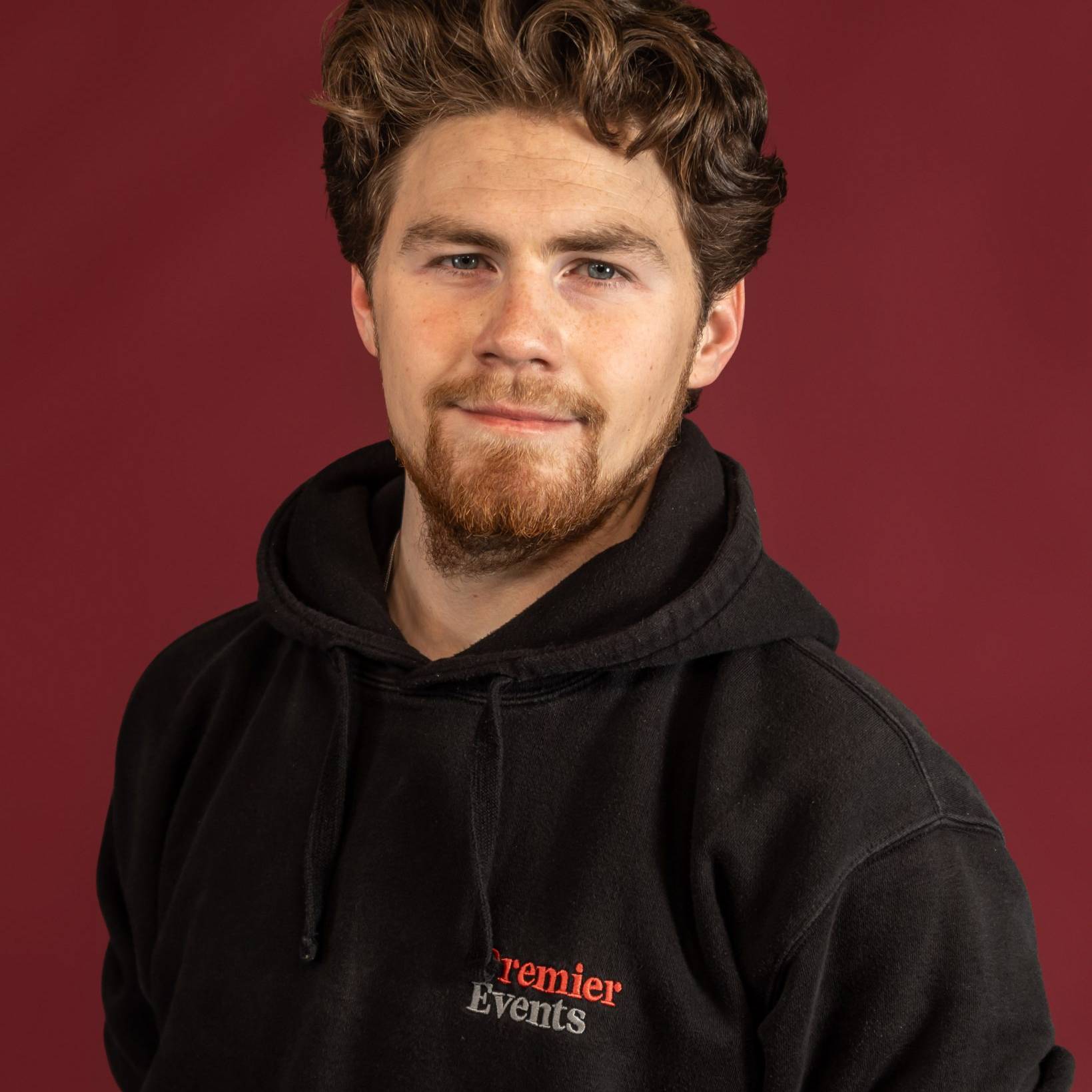
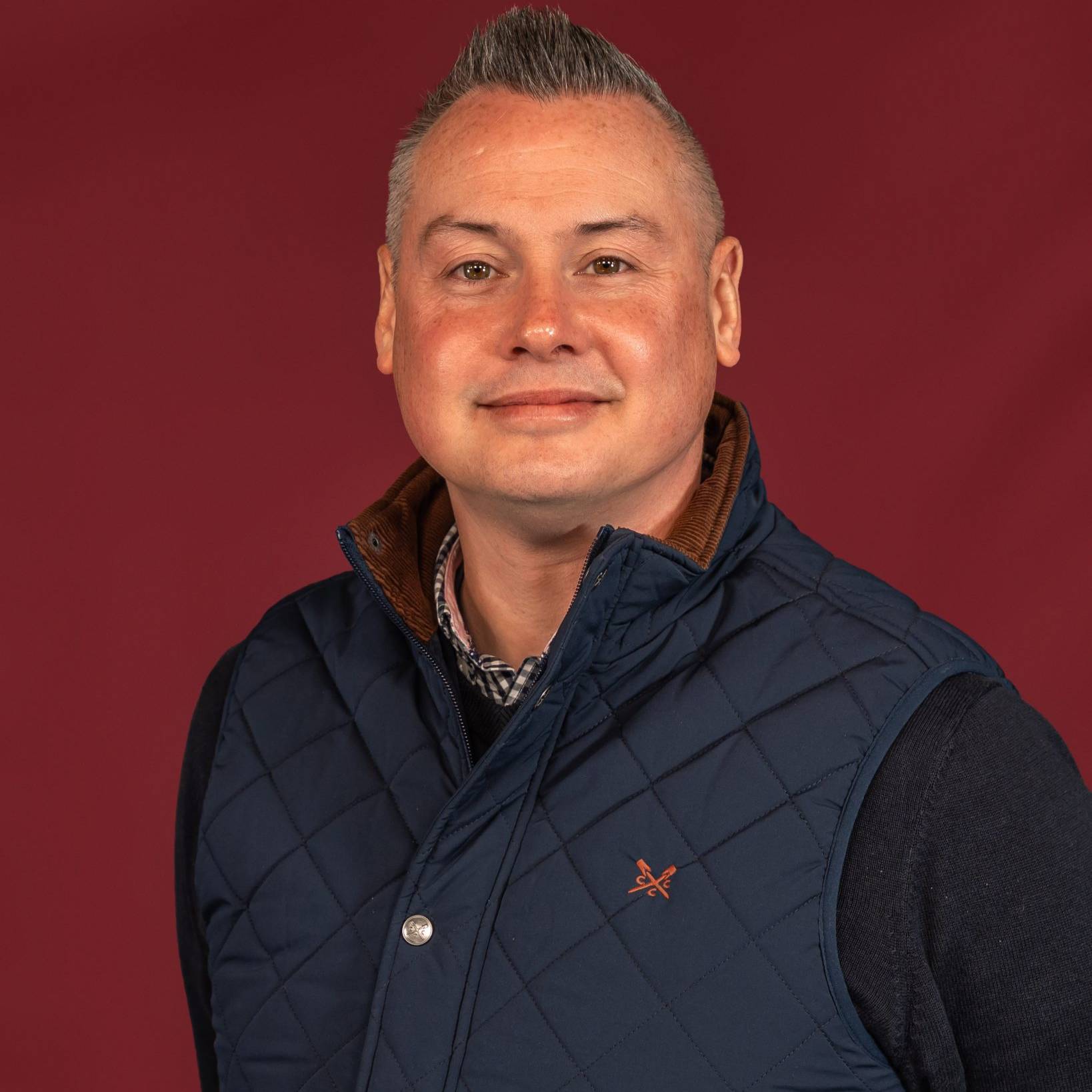
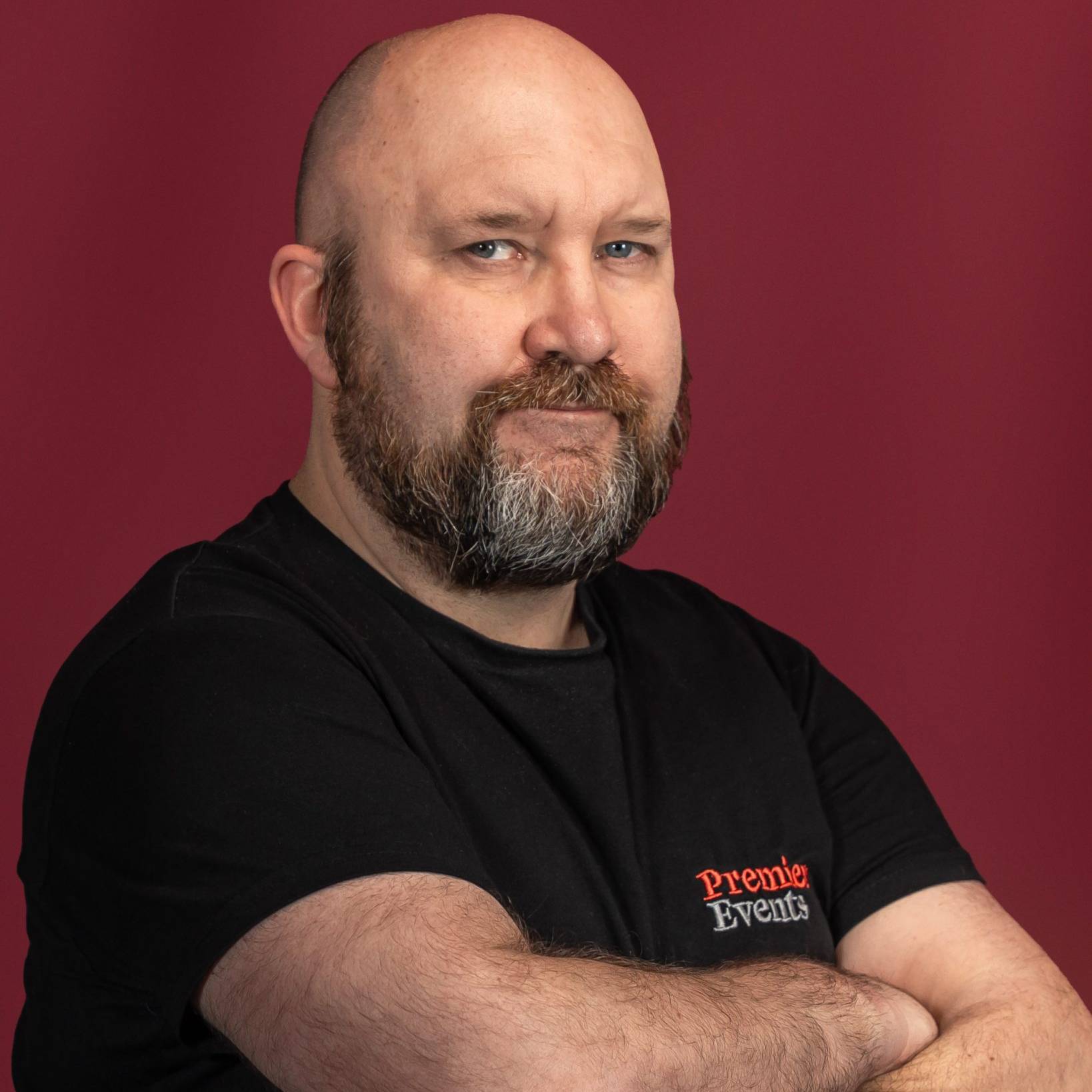
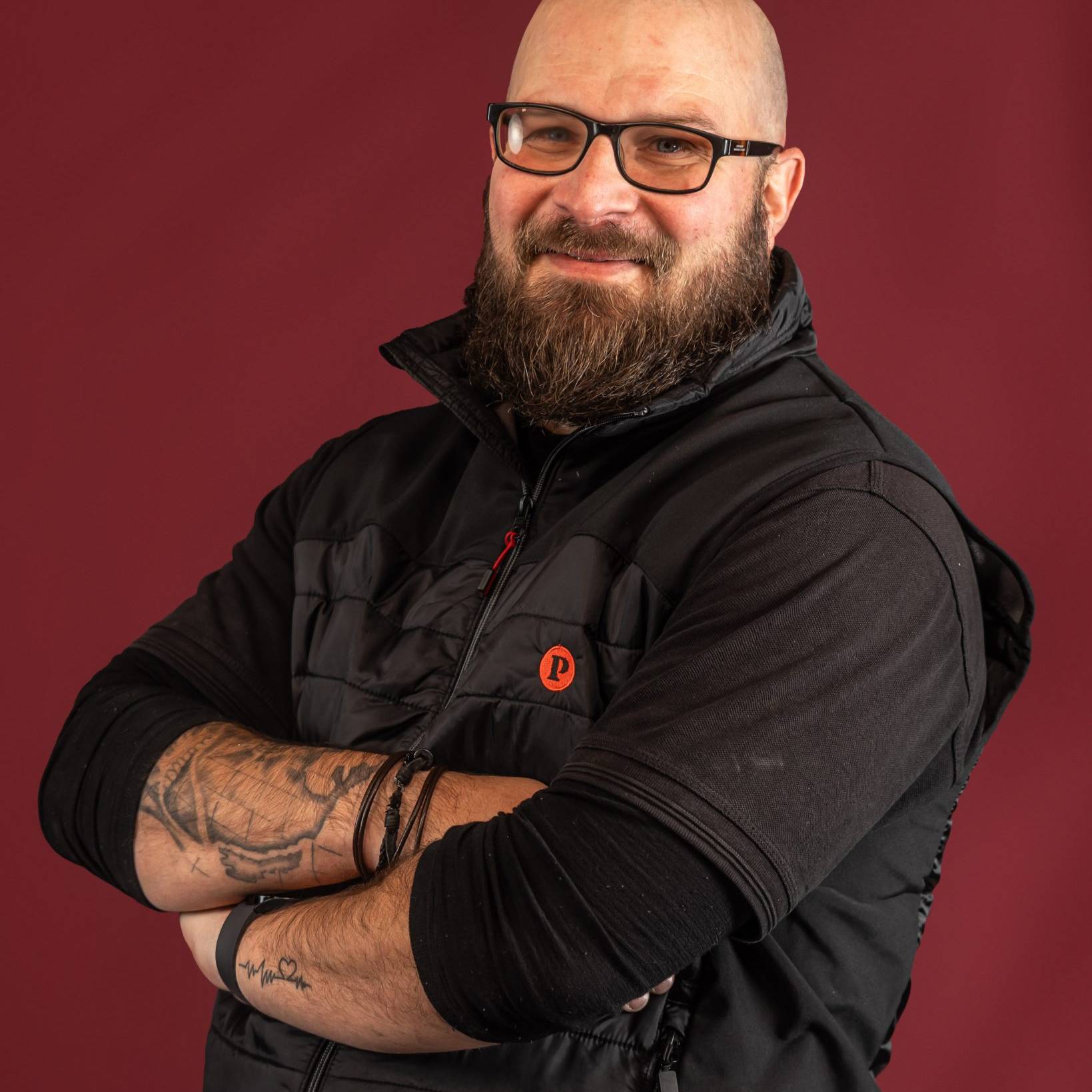
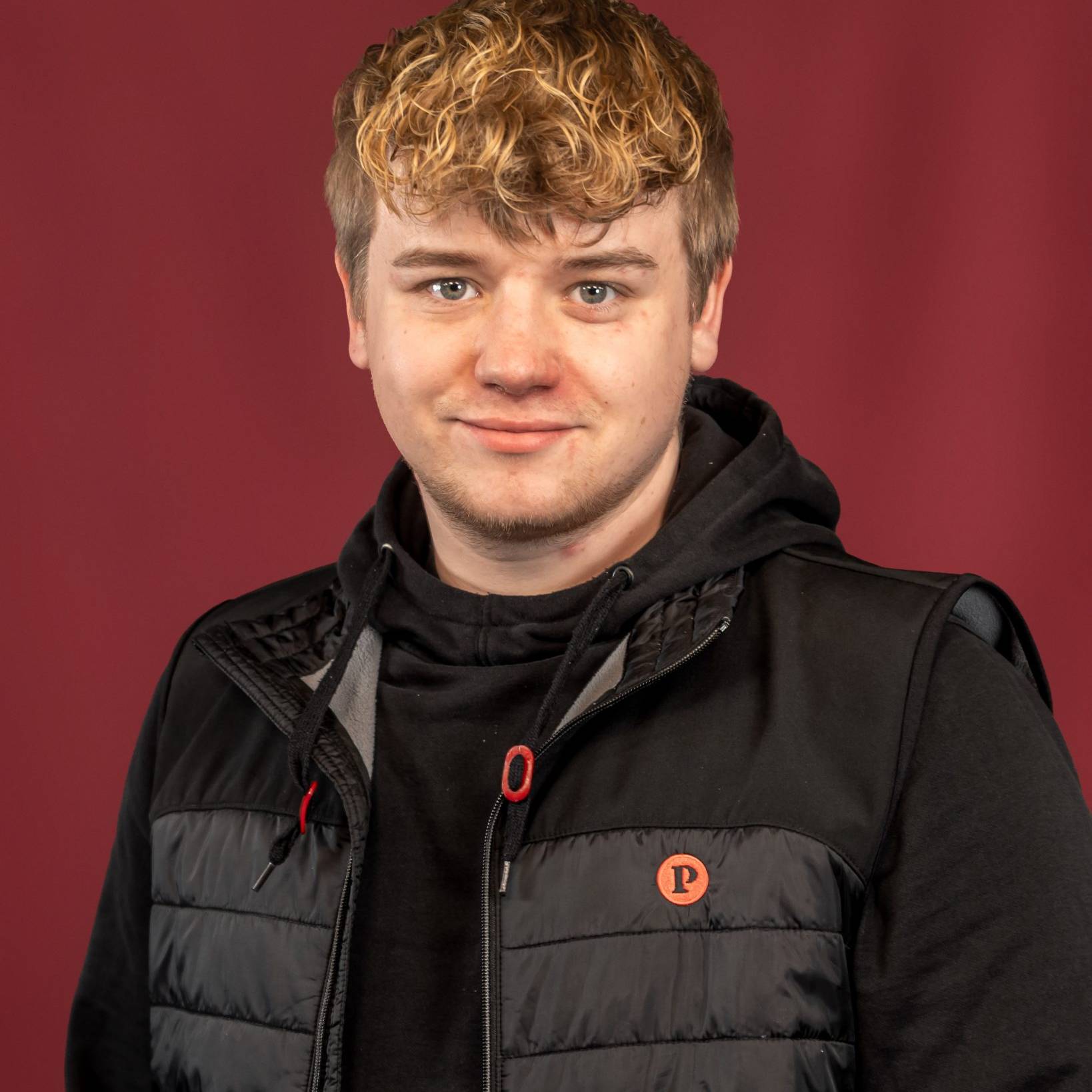
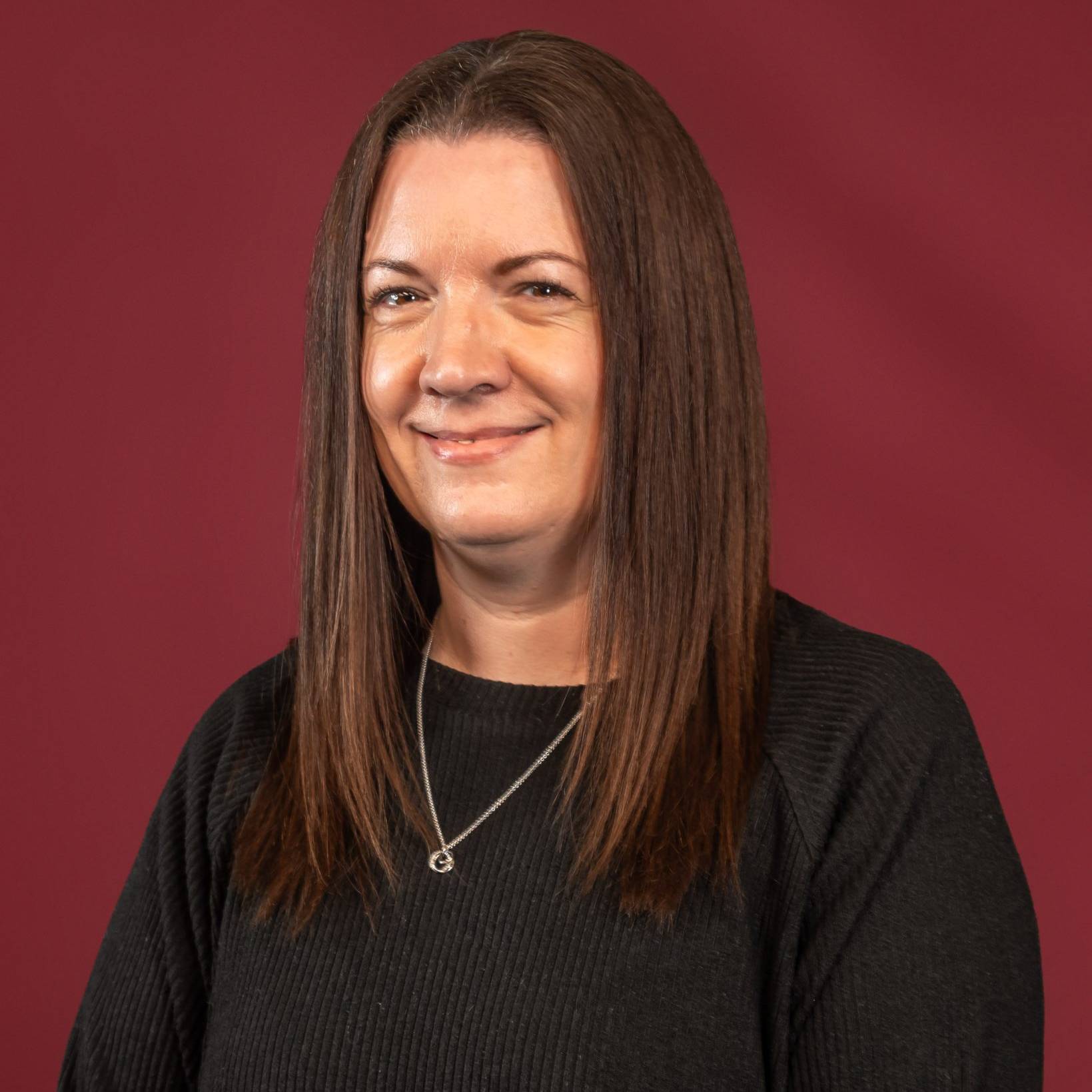
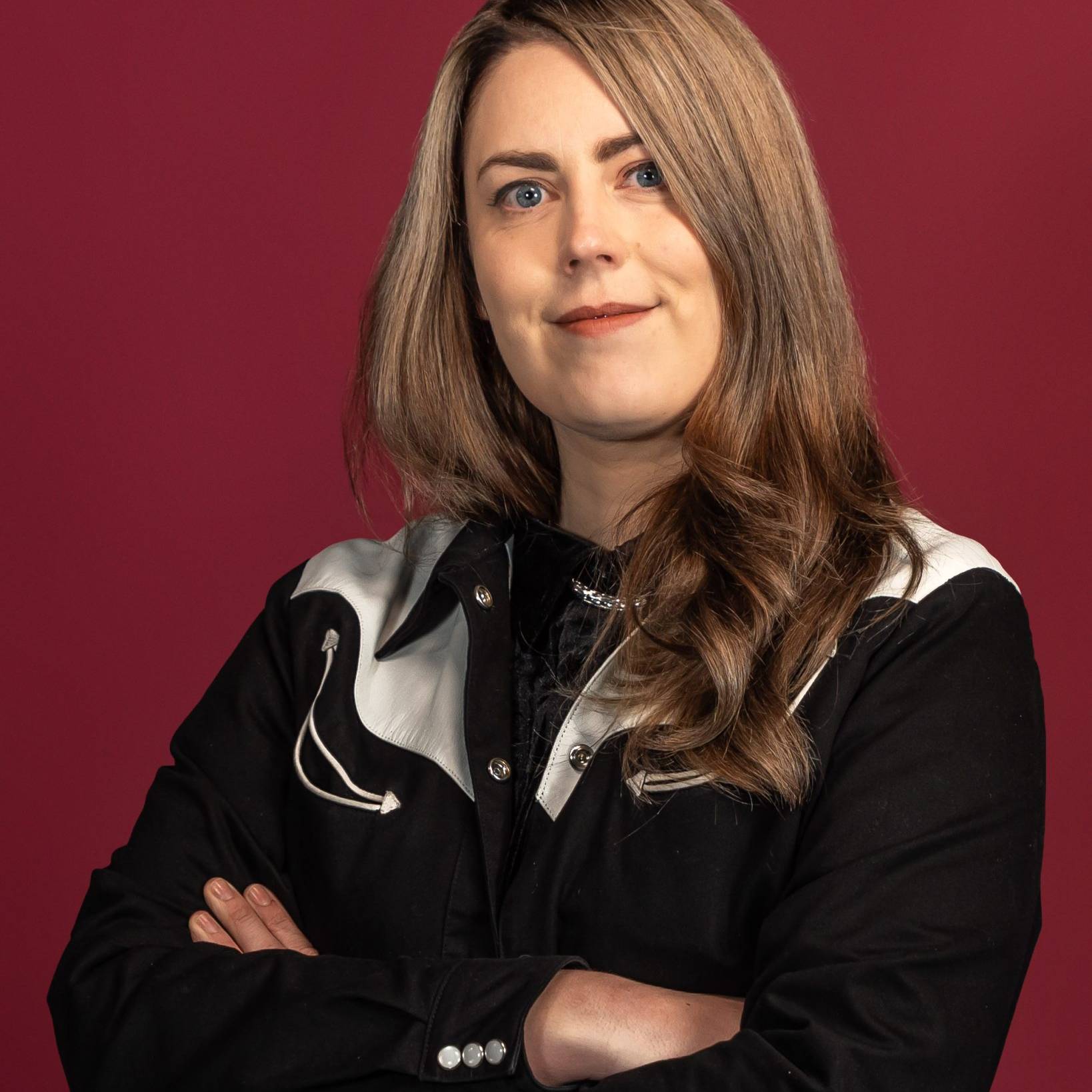
These are our people - the production managers, technicians, show-callers and crew who plan your event and run the room on the night. The same team from first site visit to final cue.












What We've Been Up To.
A look at the events we've delivered, the brief, the build, and how it ran on the night. Worth a read.