The Rundown
Topics: Teleprompter, Broadcast | Published: January 2024 | 2 min read
When someone is presenting to camera, you might assume they are working from a memorised script or improvising around talking points. Occasionally that is true.
Far more often they are reading, live, from a digital display - and the reason you never see them glance away to do it is a teleprompter.
It is one of the more elegant pieces of kit in broadcast, and it works on a principle that has nothing to do with electronics: the reflective properties of a sheet of glass.
Here is how a teleprompter works, why it is invisible to the camera, and what it takes to run one well.
How It Works
The Setup
A camera and a screen are mounted together in a specific arrangement.
The presenter looks through an angled pane of semi-transparent glass directly into the camera lens. At the same time, that glass reflects scrolling text from a display mounted below it back towards the presenter.
The camera, looking through from the other side, does not pick up the reflection at all.
Why the Camera Cannot See It
The glass is angled at 45 degrees. Light from the monitor below strikes it and reflects upward towards the presenter's eyes.
The camera sits behind the glass looking straight through it. Because the reflection travels away from the lens rather than into it, the text simply is not in shot.
It is the same principle used in comfort monitors and autocue on stage.
The Result
A presenter reads a full script while appearing to look directly down the lens at the viewer.
Done properly, nobody watching has any idea it is there - which is precisely the point.
The Two Names
Teleprompter and autocue describe the same device. Which term gets used comes down to industry, region and habit rather than any technical difference.
Running One Well
It Needs an Operator
The most common misunderstanding is that a teleprompter scrolls automatically.
It does not, or at least it should not. Someone has to scroll at the presenter's pace, not at a preset speed.
A good operator follows the delivery - slowing when the presenter slows, holding when they ad-lib, and picking up cleanly when they return to the script.
Write for Speech
The script matters as much as the equipment.
Text written for the page reads badly aloud. Long sentences, subordinate clauses and dense statistics all cause presenters to stumble.
Short sentences, plain words and natural rhythm are what make a script sound spoken rather than read.
Formatting
Line breaks should fall where a presenter would naturally pause. Numbers are easier read written out. Difficult names benefit from a phonetic hint in brackets.
These small conventions are the difference between a fluent delivery and an audible struggle.
Rehearse With It
Presenters who have never used a teleprompter often find the first minute strange.
A few minutes of practice before the audience arrives removes almost all of that.
Where It Fits
Broadcast and Film
When you picture live broadcast production, cameras and sound equipment come to mind first.
A great deal of interesting technology sits behind the camera rather than in front of it, and the teleprompter is one of the clearest examples.
Conferences and Keynotes
Teleprompters are increasingly common at live events, not just on camera.
On stage the same principle applies using glass panels either side of the room, letting a speaker deliver a scripted keynote while appearing to address the audience directly.
When to Use One
Scripted content, tight timings, and language that has to be delivered word for word - financial results, legal statements, safety information.
Also any situation where a presenter is nervous. Removing the memory burden frequently transforms a delivery.
When Not To
Conversational content, panels and Q and A do not suit it. A presenter tied to a script in a discussion reads as stilted.
Use it where precision matters, and let people speak freely where it does not.
Need One?
Premier Live supplies teleprompters and operators for broadcast, film and live events. Get in touch on 0116 202 9953 or info@premier-ltd.com.

Tell us about your event.
Fill in the form and we'll come back to you quickly, not with a generic auto-reply, but with something useful.
Prefer a call? Book a 20-minute discovery call at a time that suits you.
Rather email? info@premier-ltd.com. Or just ring us: 0116 202 9953.
Once we hear from you, we'll set up a quick call to understand your brief properly, no lengthy questionnaires, no sales pitch.
We typically respond within two hours on working days.
EXPERIENCED. DEPENDABLE. HANDS-ON. UNFLAPPABLE
The people behind Premier Live
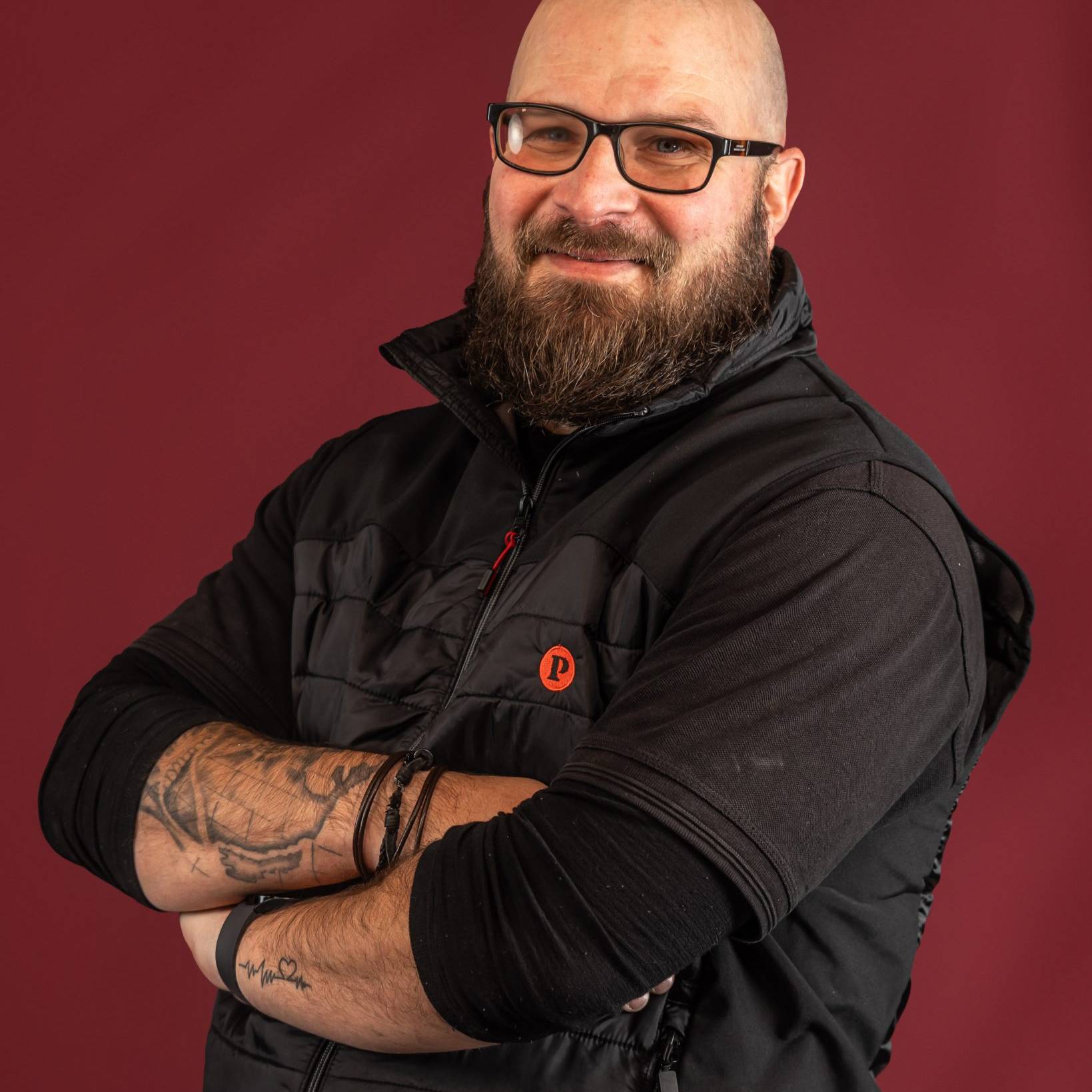
These are our people - the production managers, technicians, show-callers and crew who plan your event and run the room on the night. The same team from first site visit to final cue.



















What We've Been Up To.
A look at the events we've delivered, the brief, the build, and how it ran on the night. Worth a read.