The Rundown
Topics: Conference Production, Presenter Support | Published: February 2022 | 2 min read
A comfort monitor is any screen placed to help a presenter do their job - showing them the time, their slides, or their script without making them turn away from the room.
They sound like a small detail. They are not. A presenter who does not know how long they have left, or who keeps glancing over their shoulder to check what is on the main screen, loses the audience by degrees.
There are three broad types, and most conferences use more than one.
Here is what each does, and why the placement matters as much as the screen.
Timers and Presentation Screens
Timer Monitors
When a conference has to run to schedule, presenters need to see where they are in their slot - both how long they have been speaking and how long remains. A timer monitor shows that in large, simple figures readable at a glance.
Premier Live runs proprietary software for this, so timing data can be configured to the event rather than the other way round. Other information can be pushed to the same screen where a show calls for it: cues, prompts, or messages from the production desk.
The value is behavioural. A presenter who can see the clock manages their own pacing. One who cannot either overruns or rushes the end, and both are visible from the floor.
Presentation Monitors
A presentation comfort monitor shows the presenter what the audience is seeing on the main screen, so they never have to turn around to check.
These are typically LCD screens placed in front of the stage, at the back of the room, or flown overhead. The position matters: the closer the monitor sits to the audience's eyeline, the more the presenter naturally keeps their attention forward. Put it badly and you have simply changed which direction they are looking away in.
Premier Live has designed its own range of comfort monitors intended to be as unobtrusive as possible in the room.
Autocue and Teleprompters
The Same Thing, Two Names
Autocue and teleprompter refer to the same device. Which term gets used depends on industry, region and habit - there is no technical distinction.
How It Works
A thin sheet of glass stands at eye level, angled at 45 degrees. A monitor lies flat on the ground beneath it, and the glass reflects the text back to the presenter. From the audience side, the glass is effectively invisible.
The result is a presenter reading from a script while appearing to look directly at the room. Done well, nobody knows it is there.
When to Use One
Scripted content, tight timings, legal or financial language that has to be delivered word for word, or a presenter who simply is not comfortable working from memory. Autocue removes the risk without making the delivery look mechanical - provided the script has been written for speech rather than for the page.
It also needs an operator. Someone has to scroll at the presenter's pace, not their own.
Why They Matter
The Difference in the Room
Comfort monitors are one of the quieter parts of a conference build, and one of the most noticeable when they are missing.
Without a timer, a presenter has no idea whether they are running long. They either overrun and eat into the next session, or they realise late and compress the strongest part of their material into ninety seconds.
Without a presentation monitor, they turn to the screen behind them. Every time they do, they break eye contact with the room and lose a little of its attention.
Without autocue on scripted content, they read from notes, and their head stays down.
Specify Them Early
None of these are expensive relative to the rest of a conference build, and all of them are easier to position properly when they are in the plan rather than added on site.
If you are building a stage layout, put the comfort monitor positions on it. If you are briefing presenters, tell them what they will have in front of them so they can rehearse with it.
Talk to Premier Live about presenter support for your next conference.

Tell us about your event.
Fill in the form and we'll come back to you quickly, not with a generic auto-reply, but with something useful.
Prefer a call? Book a 20-minute discovery call at a time that suits you.
Rather email? info@premier-ltd.com. Or just ring us: 0116 202 9953.
Once we hear from you, we'll set up a quick call to understand your brief properly, no lengthy questionnaires, no sales pitch.
We typically respond within two hours on working days.
EXPERIENCED. DEPENDABLE. HANDS-ON. UNFLAPPABLE
The people behind Premier Live
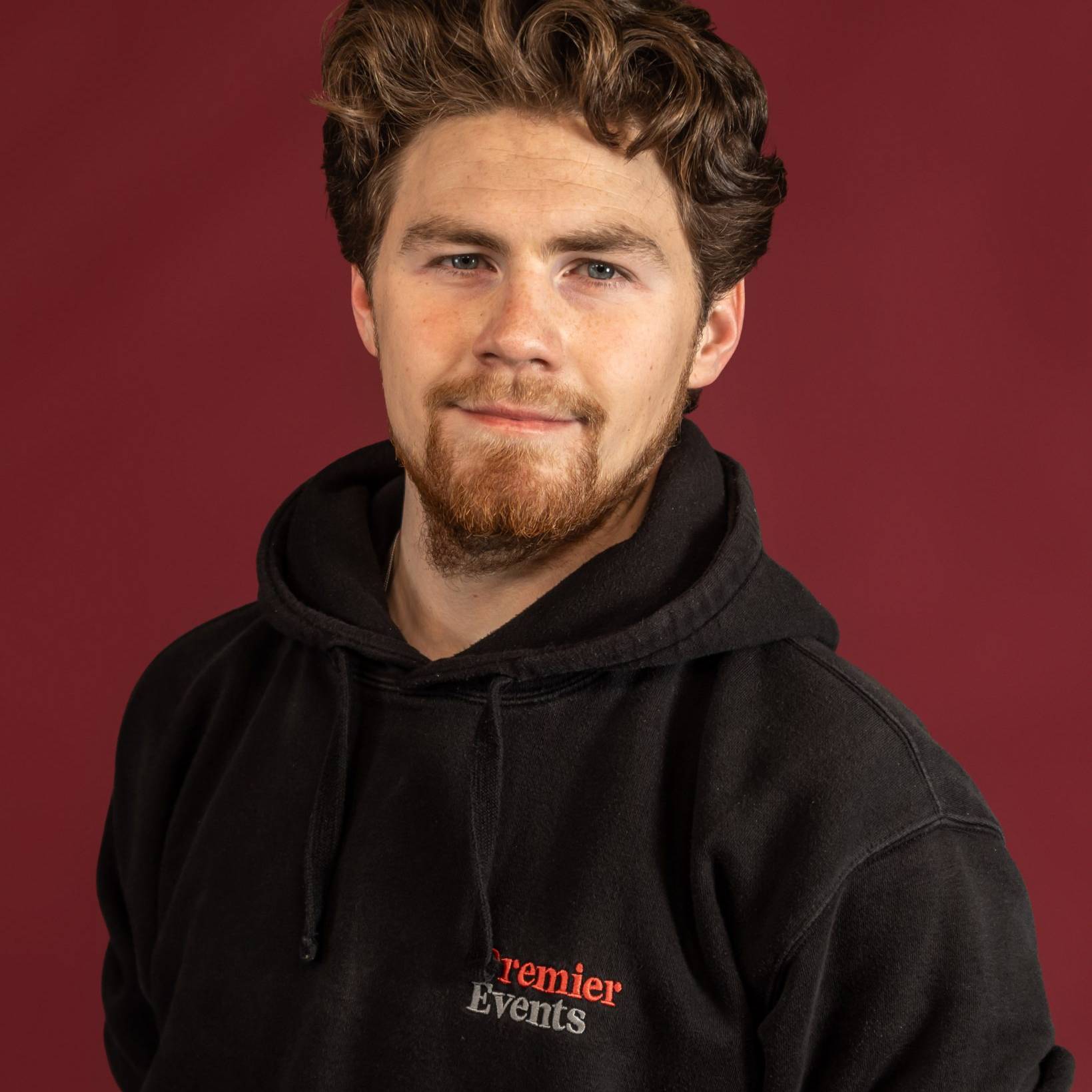
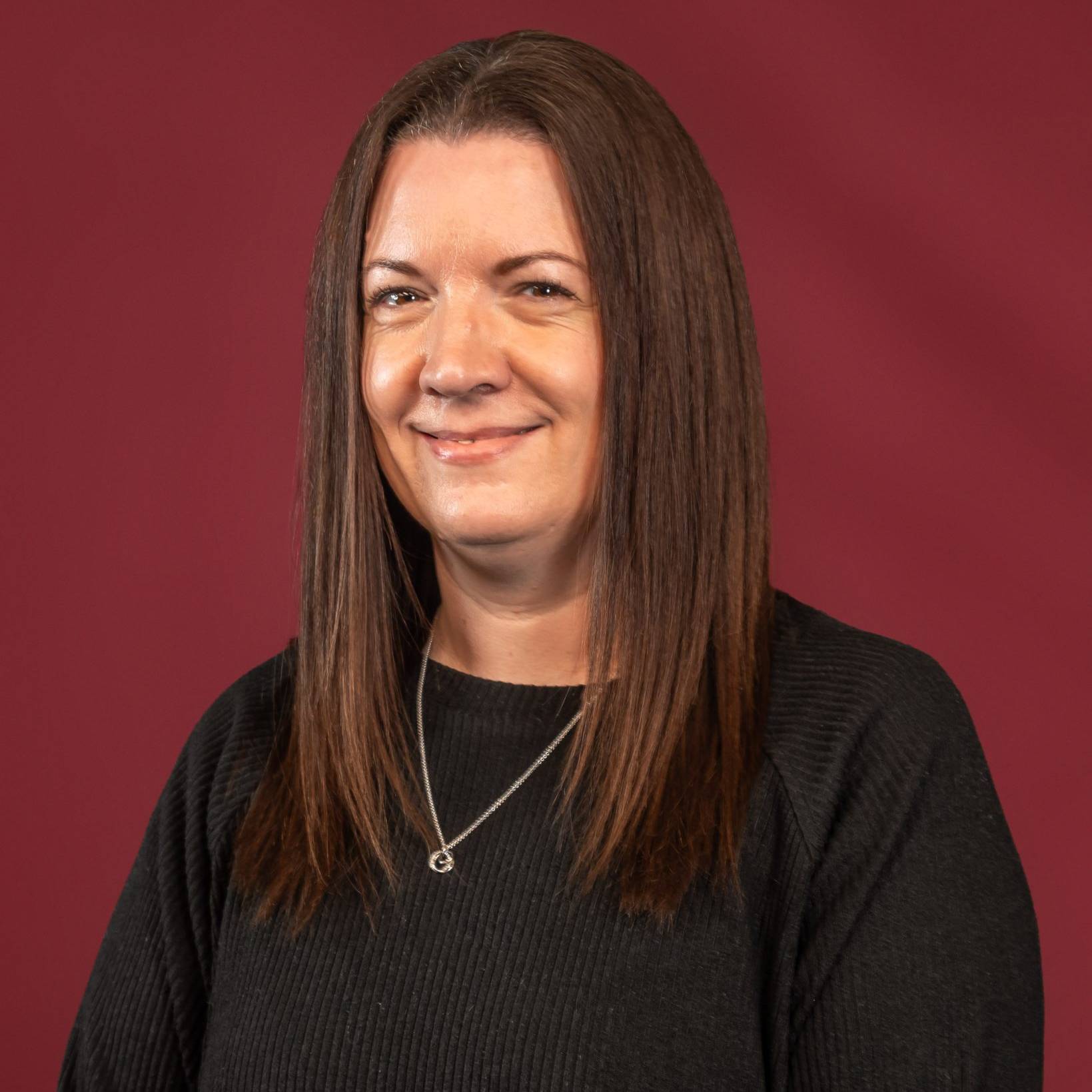
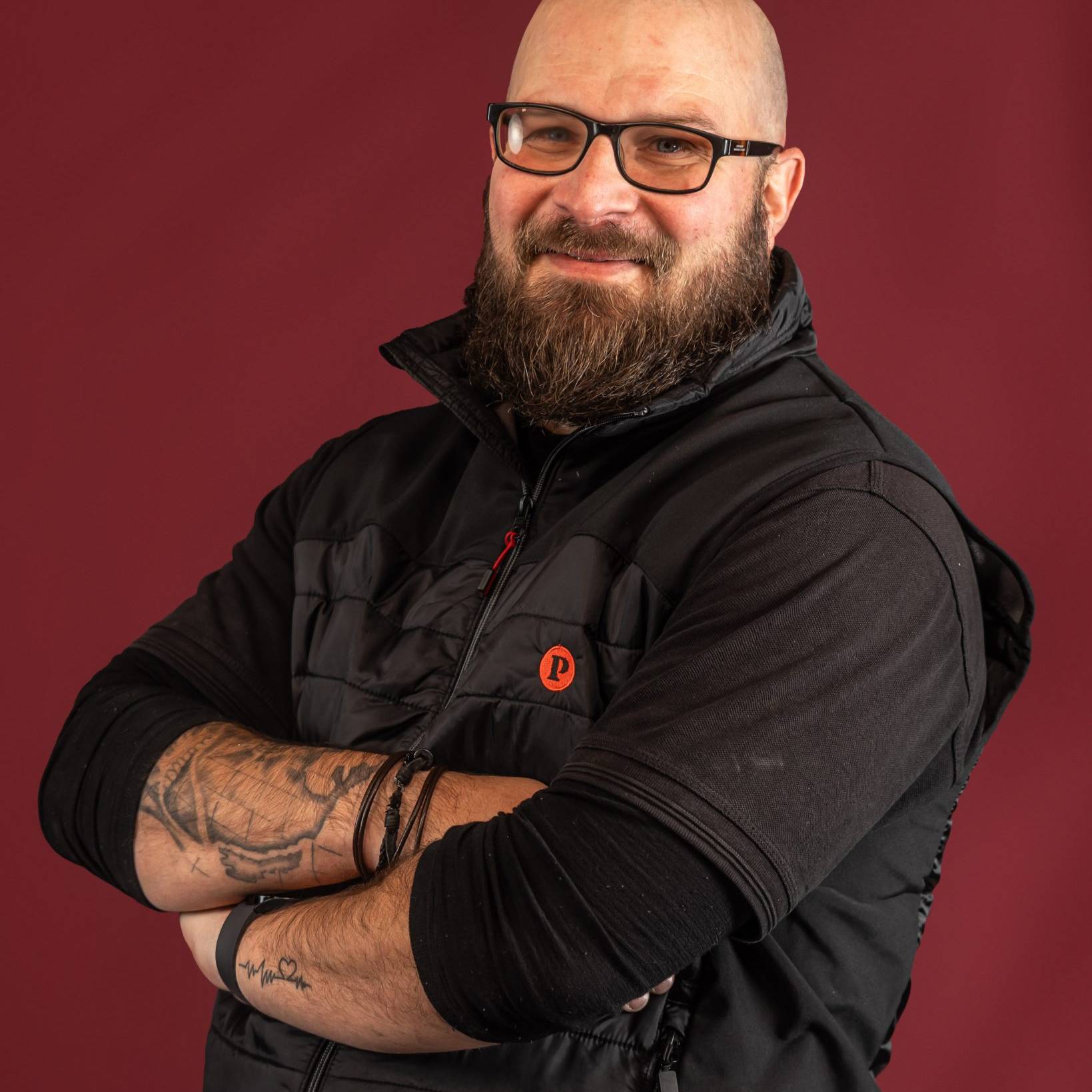
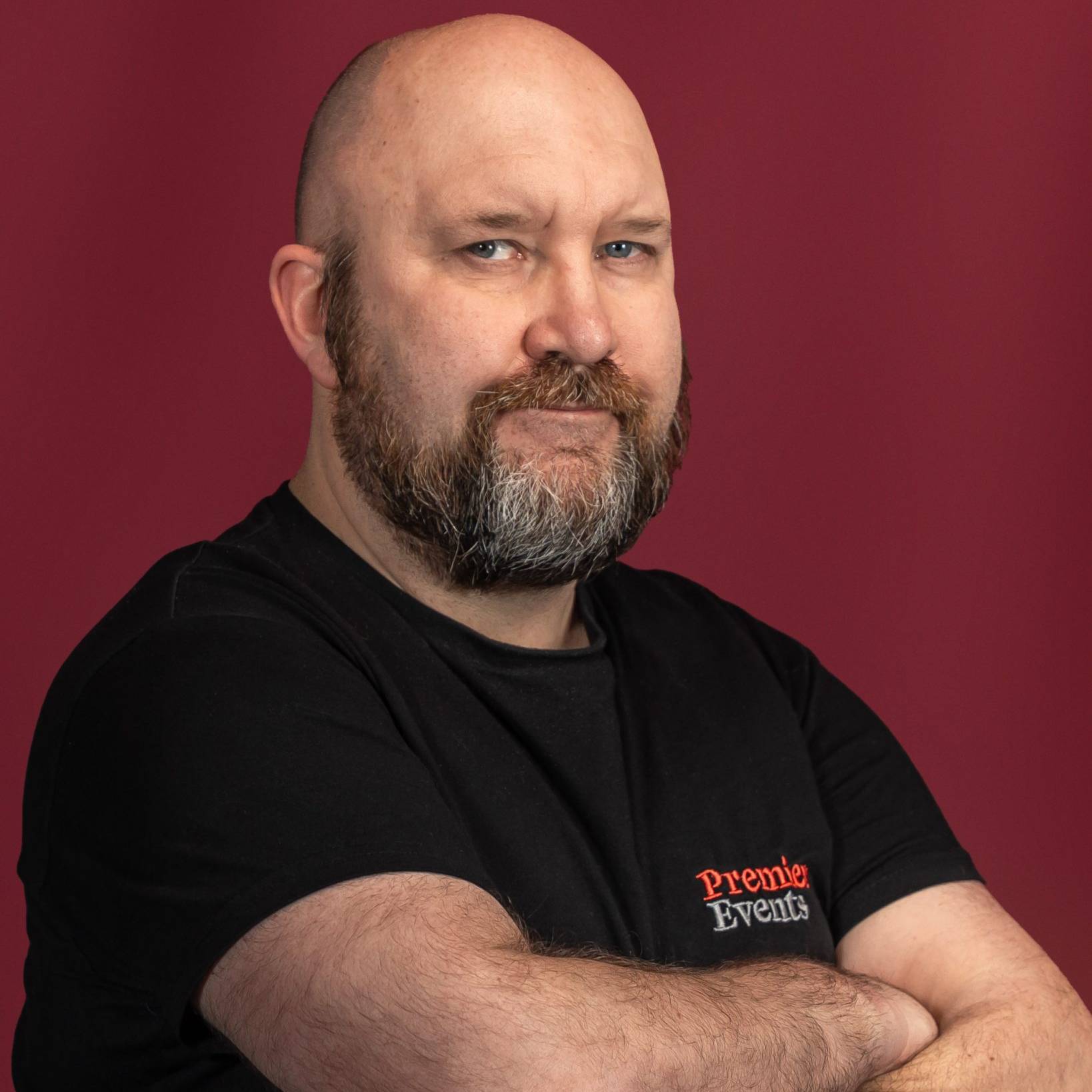
These are our people - the production managers, technicians, show-callers and crew who plan your event and run the room on the night. The same team from first site visit to final cue.

















What We've Been Up To.
A look at the events we've delivered, the brief, the build, and how it ran on the night. Worth a read.